
What it does
Just the page
No address bar, no tabs, no toolbar: the page fills the whole screen.
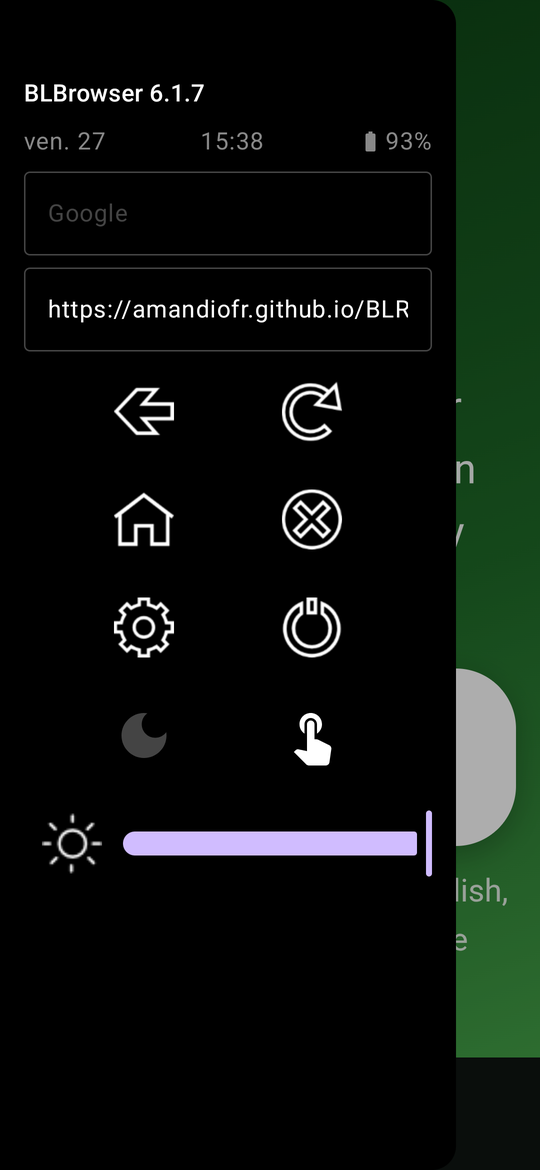
A menu when you need it
Swipe from the left edge for back, reload, home, Google search, address, dark mode, brightness.
No ads
Ads, trackers and cookie banners are blocked automatically.
On your TV too
On Android TV and Google TV, the remote's Back key opens the menu.
Always up to date
BLBrowser offers new versions itself and keeps your settings.
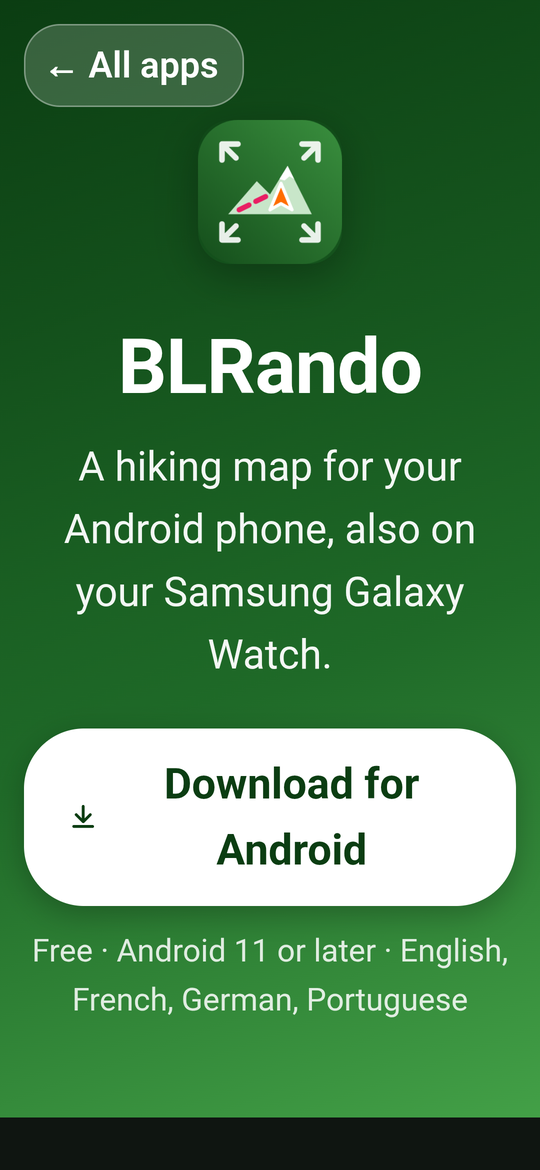
Screenshots
Install
- On the phone or TV, tap Download for Android.
- Open the downloaded file. If Android asks, allow your browser or the Files app to install apps.
- If Play Protect warns about an unknown app, choose More details > Install anyway.
Good to know
- Had the Google Play version? Install over it first, your settings are kept. If Android refuses, uninstall the Play version, then install.
- Only download BLBrowser from this page or its GitHub page (click here): every official version is signed with the same certificate.