What it does
One tap
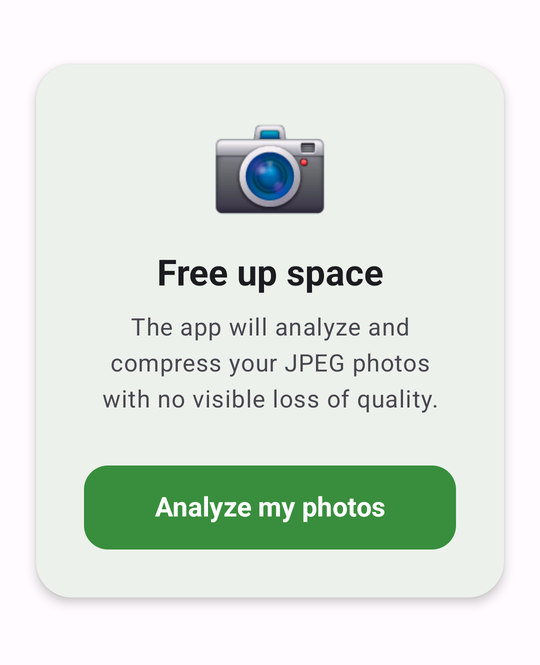
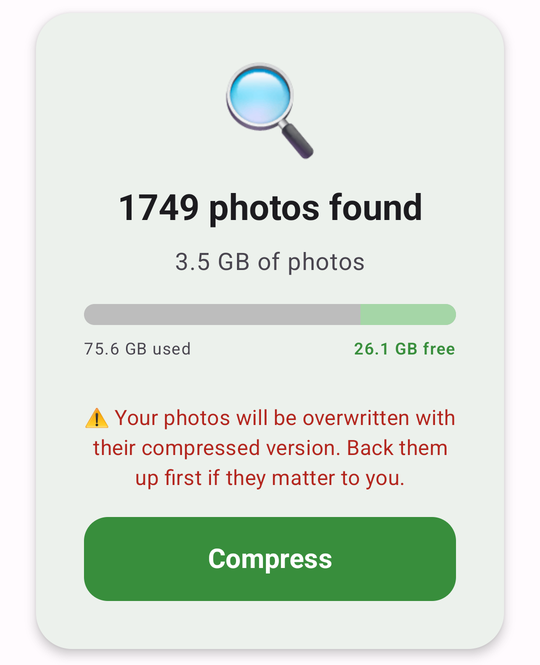
Tap once to scan your photos, tap again to compress them.
See what you gain
A bar shows used, freed and available space at a glance.
No visible loss
Photos stay sharp to the eye; already small ones are left alone.
Details kept
Date, place and camera information stay in each photo.
Stays on your phone
Everything happens on the phone: nothing is sent anywhere.
Screenshots
Install
- On the phone, tap Download for Android, open Assets on the page and download the
.apkfile. - Open the downloaded file and tap Install. If Android asks, allow it.
- Open Photo Compressor, tap to scan, then tap to compress.
Good to know
- Photos are replaced: there is no undo. Only JPEG photos are compressed (not PNG, HEIC or videos).
- On Android 11 and later, Android asks you once to allow changing your photos.